
Turn handwritten meeting notes into reliable minutes
5 min read
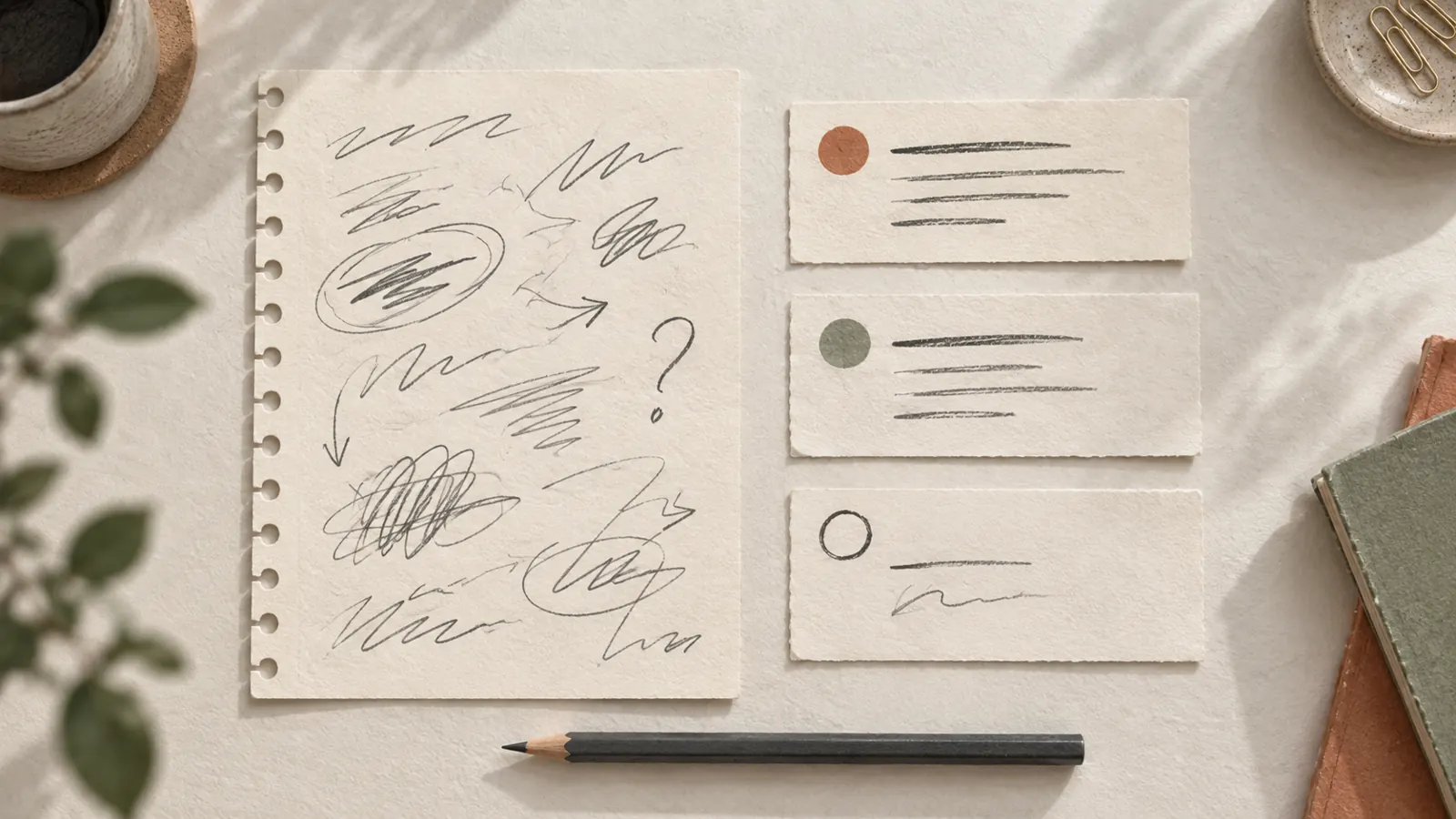
Your notebook has arrows, initials and “Friday?” squeezed into a margin. You need a summary someone else can act on. Start by copying what the page says, then check which points were agreed. Turning a tentative date into a deadline is easy when the finished document looks more certain than the notes.
This method is for ordinary working meetings. You can use it with a typed transcription or an OCR draft in any document editor. If your organisation requires a particular minutes format or approval process, use that alongside the steps below.
Keep a source copy before drafting the summary
Photograph each page, including margins and any continuation on the reverse. Keep the pages in order. Give the image folder and transcript the same meeting title and date so you can find a disputed line later. Our note digitization guide covers capture and file organisation in more detail.
In this first copy, preserve question marks, crossed-out wording and abbreviations you cannot yet expand. Use “[name unclear]” or “[word unreadable]” where needed. Keep a margin note next to the topic it refers to when the connection is clear; flag the connection if it is ambiguous.
Notes record what you wrote down. They cannot establish everything that happened in the room. If an agreement is missing, ask a participant to confirm it and label the addition as a later clarification.
Sort statements by what they actually establish
Work through the checked transcript once, assigning each useful point to a section:
- Decision: an option explicitly agreed, with any stated conditions.
- Action: work someone committed to do. Record the task, owner and deadline only as far as they are known.
- Open question: a proposal, dependency or detail still awaiting confirmation.
- Context: information needed to understand those points, without turning it into an instruction.
The official Atlassian meeting notes template tracks notes, decisions and action items separately. You can use the same separation in a plain document. There is no need to reproduce every remark in the discussion.
A worked example: keep the question mark
Imagine a made-up notebook entry: “Sample approved if colour matches. J. → supplier. Delivery Fri? Budget 1,400 max. Spare batch later.” These are invented notes, not a customer transcript. A careful draft would say:
- Decision: approve the sample if its colour matches the reference. Budget cap recorded as 1,400; currency not stated.
- Action to clarify: contact the supplier. The note links this to “J.”; confirm the person and the task before assigning it.
- Open question: is delivery possible on Friday? No confirmed date is recorded.
- Open question: what does “spare batch later” mean, and was any follow-up agreed?
Do not write “Jamie will order a spare batch for Friday”. The name, order and deadline are all additions. If a participant later confirms that Jordan will ask the supplier for a delivery estimate, record that clarification with its date. You can then put the confirmed task in the action list while leaving delivery itself unresolved.
Use a small template you can copy
Create these headings in your usual editor. Delete empty sections if they add nothing, but retain unanswered questions that affect the next step.
- Meeting title and date; participants whose attendance you can confirm.
- Decisions: what was agreed, including conditions and limits.
- Actions: task, owner, deadline and a source-page reference when useful. Write “not assigned” or “not agreed” for missing fields.
- Open questions: what remains unknown, and who can clarify it if that is known.
- Clarifications: what was confirmed after the meeting, by whom and when.
Keep the draft labelled “for confirmation” until the disputed commitments are resolved. A date someone mentioned as a possibility belongs with the questions until it is agreed.
Check commitments before sharing
Compare the summary with the page images. Check names and initials, amounts and units, dates, negations and conditions such as “subject to approval”. Also look for an omitted arrow or a crossed-out assignment. The OCR proofreading checklist helps with the transcription itself; this pass checks what the summary asks people to do.
France Num’s guide to meeting summaries stresses that a generated account still needs human validation. If you use an AI assistant to organise checked text, inspect every action it produces against the source. Follow your organisation’s rules for confidential material before uploading anything, and share only the material the recipients need.
Start with the page you need today
Try this on one meeting: keep the photos, check the transcription, draft decisions and actions, then resolve the missing details. Encria can produce an editable handwriting transcription on iPhone or iPad and underline words the OCR was unsure of. Those marks help direct your review; they do not confirm an agreement or guarantee the other words. See how handwriting transcription works and the privacy policy before sending work notes for transcription. The final summary and its approval remain your responsibility.
Sources checked October 12, 2026. France Num published its guide on September 21, 2026 and updated it on September 29. The workflow, template and fictional example above are editorial recommendations for everyday meeting notes.